
Windows Evolves: Unifying Updates with UOP, Boosting AI, and Enhancing App Suggestions
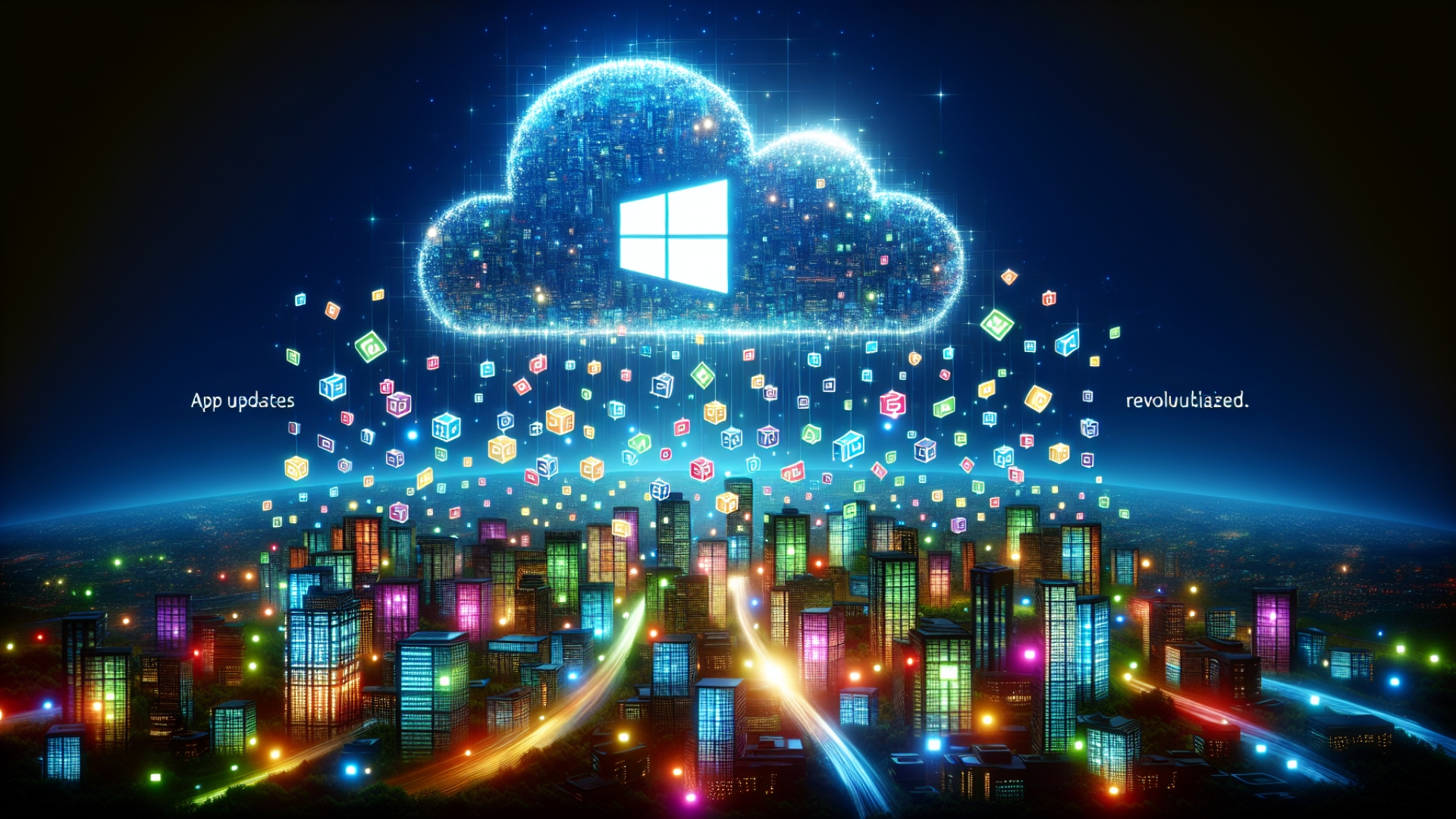
In the ever-evolving landscape of operating systems, Microsoft is rolling out a significant update for Windows that promises to revolutionize how applications manage their updates. This impactful advancement introduces the Unified Update Orchestration Platform (UOP), a feature designed to streamline efficiency and user experience. As Digital Tech Explorer, we’re diving deep into what this means for developers, tech enthusiasts, and everyday users alike.
The UOP represents a strategic shift from traditional update mechanisms. Unlike the familiar Windows Update, which primarily handles the OS and select Microsoft services, or the Microsoft Store for specific app installations, UOP empowers applications to leverage their own backend updating services. It intelligently downloads and installs updates based on user activity and system state, essentially allowing the operating system to assist applications in fetching critical updates when your system is least active.
Understanding the Unified Update Orchestration Platform (UOP)
To fully utilize this innovative platform, applications must be registered with the UOP via a dedicated API. Once integrated, these applications can maintain their up-to-date status without requiring constant manual oversight. A recent Microsoft blog post hails the UOP as a “Unified future for app updates,” supporting both Windows and non-Windows applications. This integration is poised to create a centralized app update history directly within Windows, consolidating all system and application updates in one convenient location for users, enhancing transparency and control.

UOP Implementation and Rollout Status
While the full potential of the UOP is still unfolding, no applications are currently leveraging it entirely. However, users actively participating in the Dev and Beta channels of Windows will progressively gain access to its functionalities. Specific details concerning app implementation and API access are anticipated, with the official Windows blog indicating that “apps will start using it over time.” The initial rollout provides a partial implementation of the UOP features, with Microsoft hinting at full enablement “soon,” promising a more seamless and intelligent update experience for everyone.
Discovering New AI Features in the Latest Windows Update
Beyond update orchestration, the latest Windows update also introduces advanced AI capabilities. The Model Context Protocol will now be natively supported for users with the latest update, paving the way for the connection of agentic AI to applications. This integration aims to empower developers and users to build sophisticated AI workflows directly within the operating system. Furthermore, Windows highlights the ability to perform natural language search to precisely locate files on Copilot+ PCs, making file management more intuitive and efficient than ever before.
Enhanced ‘Open With’ Suggestions: Smarter App Recommendations
Another welcome improvement in this update focuses on user productivity: enhanced “open with” functionality. Windows will now intelligently suggest optimal applications for various tasks, even if those applications are not yet installed on your system. This is a significant upgrade from the previous iteration, which often defaulted to directing users to the Microsoft Store, sometimes leading to slower file openings and less relevant suggestions. While we anticipate Microsoft‘s own applications will likely be prioritized, this feature aims to streamline your workflow and save valuable time by offering smarter, more direct recommendations.
These updates mark a proactive step by Microsoft to refine the Windows experience, emphasizing efficiency, intelligence, and user-centric design. At Digital Tech Explorer, we believe staying informed about these changes is crucial for tech enthusiasts and professionals. We’ll continue to provide in-depth analysis and real-world testing as these features roll out fully, helping you navigate the future of technology. As with any major OS evolution, the true measure of these new features will lie in their real-world performance and adoption by the wider software ecosystem.
Authored by TechTalesLeo, bringing technology to life through captivating narratives and engaging content on Digital Tech Explorer.