
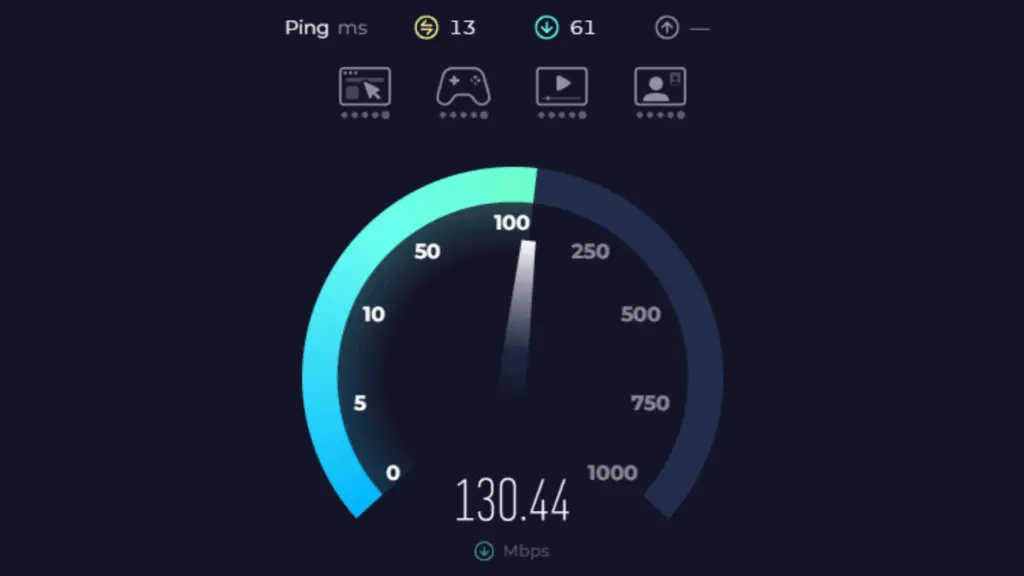
Keeping tabs on your network performance just got a whole lot easier for Windows 11 users. Microsoft, known for continually refining the user experience, is rolling out a convenient new feature in its latest preview build (26220.6760) that introduces an internet speed check directly from the system tray. This update, currently exclusive to Windows Insiders on version 24H2, is a direct result of Microsoft’s ongoing partnership with Ookla, first established in 2023 to power Bing’s speed test widget. Now, instead of opening a separate browser tab, you get a seamless, integrated way to test your connection speed with just a click – a welcome addition for any tech enthusiast looking for quick insights on hardware performance.
Accessing the New Internet Speed Test Feature
For Windows Insiders, accessing this new tool is remarkably straightforward. Whether you prefer to launch it from the Wi-Fi quick settings menu or via a right-click on the network icon in your system tray, the process is intuitive. This versatility ensures that regardless of your connection type – be it Wi-Fi, Ethernet, or cellular – you can quickly perform a speed test, offering a practical way to diagnose any potential network hiccups.
Microsoft Copilot’s Expanded Integration and Automatic Installation
Beyond network diagnostics, this latest build (26220.6760) also underscores Microsoft’s deepening commitment to AI integration. It introduces a new Microsoft 365 Copilot page into the Get Started setup for managed commercial devices with a Microsoft 365 subscription. This is a significant step, reflecting the strategy that the powerful AI assistant Copilot will be automatically installed alongside Microsoft 365 for all users starting this October. For individual users, the current outlook suggests no direct opt-out, making alternative office suites the primary choice for those seeking to avoid automatic installation.
File Explorer Search Enhancements for Copilot+ PCs
For our readers with Copilot+ PCs, another notable refinement comes to the File Explorer Search Box. This builds upon a significant January update that introduced “semantic indexing”—a truly powerful feature allowing you to locate files, even images, simply by describing their content rather than recalling precise filenames. The current preview build further enhances this by refining the search box’s wording, making this advanced search capability more intuitive and prominent for users, aligning with the advancements in AI acceleration.
While these recent updates offer welcome refinements, it’s clear they aren’t Microsoft’s most groundbreaking preview build releases. This sentiment echoes the reception of the earlier Windows 11 25H2 update, which also delivered a relatively modest feature set. The measured pace of major innovations might explain Windows 11‘s adoption curve, only recently surpassing its predecessor in popularity this July, nearly four years post-launch. However, with official support for Windows 10 ending this October, the transition becomes a more urgent consideration for many users, and at Digital Tech Explorer, we’re committed to guiding you through these crucial shifts and helping you make informed decisions about your operating system.