
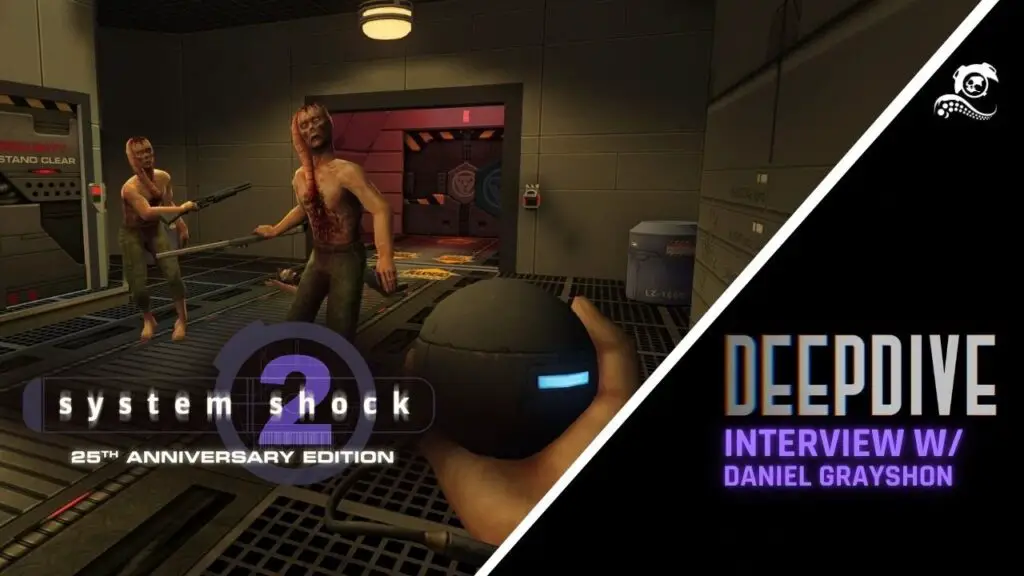
The original System Shock 2 immerses players from the start with an integrated tutorial and character creation. Aspiring recruits choose their path—marine, engineer, or psychic black ops agent—at a recruitment center. Subsequent choices during their tour of duty dynamically alter character stats, all guided by an extensively voice-acted instructor demonstrating newfound abilities.
Nightdive’s Distinct Challenge with Voice Acting in the Remaster
This extensively voice-acted introduction presented an unexpected hurdle for Nightdive Studios during the development of their Kex engine remaster. Lead producer Daniel Grayshon noted the team’s prior lack of experience with voice recording sessions for Kex titles. “Those older games would usually just have text prompts on the screen saying ‘press X to jump’ and things like that,” Grayshon explained. The comprehensive voice acting of System Shock 2 thus created a distinct challenge, unlike anything encountered in their previous remasters of early first-person shooters.
The Dilemma of Original Keyboard-Specific Voice Instructions
The core of the dilemma lay in the original game’s tutorial, which delivered explicit, keyboard-specific instructions. The voice-acted instructor would command, “To jump simply press the spacebar,” or “you’ll need to reload this gun, press 2 on the keyboard to equip your gun, and then press the R key to reload the gun.” These directions, hardcoded directly into the audio, proved entirely incompatible with the demands of modern controller support. Grayshon recounted the team’s immediate reaction: “It’s like, oh my goodness, this is not going to work at all. What do we do?”
Nightdive’s Solution: Generic Voiceovers for Control Agnosticism
With ‘Optimized Controller support’ identified as a pivotal feature for the System Shock 2 remaster, instructing gamepad players to ‘right-click’ an item was clearly untenable. Rather than producing separate voice lines for every input method, Nightdive ingeniously opted for a control-agnostic solution. They meticulously re-recorded the tutorial’s voice acting, making it generic and devoid of any mention of physical buttons or keys. For instance, the revised instruction now states, “To drop an item, highlight the item and choose ‘Drop’ from the actions menu.” This universal voiceover now plays for all players, irrespective of their chosen control scheme.
However, this elegant solution has unfortunately introduced its own set of complications. The new, generalized instructions can be genuinely misleading for those utilizing a keyboard and mouse, as the described action—highlighting an item to access an actions menu—is exclusively a controller function. On a PC with mouse input, players typically right-click to interact with items and left-click to drag and drop them within their inventory. This fundamental discrepancy has understandably generated confusion among some players on Steam discussion forums. While Nightdive’s commitment to modernizing controls is commendable, this specific implementation falls short of perfection. From a Digital Tech Explorer perspective, a more refined approach could have involved dynamically playing the original, keyboard-specific voiceover for players detected as using a keyboard and mouse, preserving clarity for all users.