
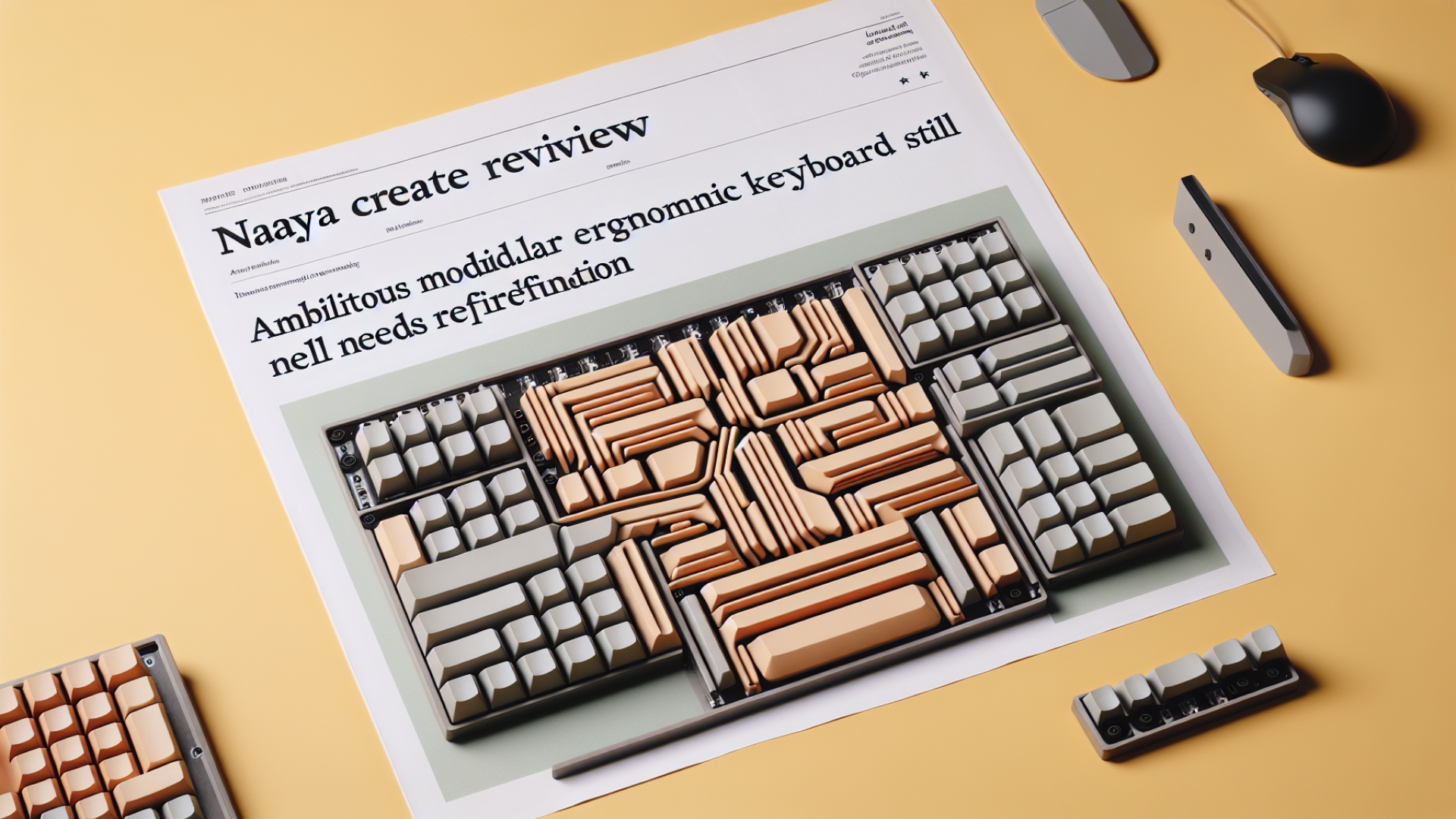
As a platform dedicated to helping tech enthusiasts and developers make informed decisions, Digital Tech Explorer frequently evaluates innovative hardware. The Naya Create, a conceptually brilliant ergonomic keyboard, arrived with high expectations following a successful Kickstarter campaign. Born from a small Netherlands-based company, the Create promised a bespoke experience focused on ergonomics and productivity. While its multiple sold-out batches signal strong market demand, our real-world testing uncovered significant hurdles, particularly concerning its firmware and software. All ergonomic keyboards demand an adaptation period, but the Naya Create requires a level of patience that, for most users, doesn’t align with its premium price point. Through the lens of a seasoned tech enthusiast, this review delves into whether this ambitious device truly delivers on its innovative promise.
Naya Create Specifications
| Feature | Detail |
|---|---|
| Switches | Linear mechanical, hot-swappable (optional Tactile or Clicky sets available) |
| Keys | 74 in total, fully remappable |
| Connectivity | Wired (USB Type-C); Bluetooth via optional modules |
| Split Design | Fully separate halves, wired or optional wireless connection |
| Tenting | Integrated, continuous adjustment |
| Lighting | RGBW per-key backlighting |
| Optional Modules | Touch ($80/£60), Track ($100/£80), Tune ($170/£120), Float ($180/£130) |
| Weight | 225 g per section (excluding modules) |
| Base Price | $500/£400 |
Design and Core Features
The Naya Create stands out as a fully split, columnar, low-profile keyboard featuring an integrated tenting system. Its robust aluminum construction includes two sturdy hinges on each half, allowing for versatile angling to suit various ergonomic preferences. However, it notably lacks positive or negative tilting capabilities. Physically, the keyboard feels sleek and boasts an impressively low profile, which is excellent for promoting wrist comfort. It arrives with Kailh linear switches pre-installed, with tactile or clicky sets available for separate purchase and self-installation. Even the basic package includes a plush-lined travel case, underscoring its premium aspirations.
The true distinguishing characteristic of this keyboard lies in its ecosystem of hot-swappable modules. These units magnetically attach to large ring sockets on each half, significantly expanding its functionality. Notably, they also provide Bluetooth wireless connectivity, requiring one module per keyboard half for full wireless operation. Naya offers four distinct modules: the Track (a trackball), the Touch (a touchpad), the Tune (a media wheel), and the Float (a 3D mouse). While the keyboard is usable without these, it appears somewhat unfinished, and the wireless experience with the modules attached feels more complete.
Ergonomics and Usability Challenges
As is typical with all split, columnar keyboards, adapting to the Naya Create involves a steep learning curve. Retraining muscle memory for touch typing is a significant undertaking due to the unique key arrangement and the use of ‘thumb islands’ for common keys. However, the Create introduces some specific ergonomic hurdles. The placement of the long space bar key is notably suboptimal, situated to the left of the three-key thumb island. For users with average or larger hands, where the thumb naturally rests over the island keys, accessing the space bar becomes awkward. This design choice is puzzling, as the space bar is a high-frequency key that would logically benefit from integration within the primary thumb island.
Furthermore, the staggered heights of each key column contribute to an uncomfortable typing experience. In comparison to well-regarded competitors like the MoErgo Glove80 and the ZSA Moonlander, which feature less height variance across their keycaps, the Naya Create demanded a longer adaptation period and never quite achieved consistent comfort during extended use. While ergonomic preferences are inherently personal, these particular design decisions present tangible usability challenges that prospective buyers, especially developers and power users, should carefully consider.
Module Functionality and Software Experience
The optional modules, while innovative, deliver a mixed bag of functionality. The Track module emerges as the weakest link; its trackball is unsecured, prone to falling out, and feels too light to offer satisfying tactile feedback. The four identical surrounding buttons also make differentiation by feel impossible. The Touch module functions as a standard trackpad, performing adequately, though it occasionally exhibits slow registration for multi-gesture inputs. The clear standout is the Tune module. Despite its high price, this large rotary encoder, coupled with a dynamic haptic system, provides a remarkably satisfying user experience. It is, without a doubt, the most impressive component of the Naya ecosystem.
Regrettably, the impressive hardware potential is severely undermined by its software. Naya’s most critical failing lies in its software experience, driven by NayaFlow. Promised features, such as comprehensive reconfiguration of module controls, have only recently materialized after significant delays. The firmware update process is confusing and prone to failure, often necessitating workarounds discovered through community forums rather than official channels. Alarmingly, a recent firmware update rendered the otherwise excellent Tune module non-functional. These persistent software and firmware instabilities suggest the product remains in what feels like a prolonged beta phase, leading to considerable frustration for users who have invested a premium price.
The Naya Create presents a classic dilemma for the tech enthusiast. Conceptually, it is an inspiring product, promising modularity and flexibility within a sleek, compact design. In practice, however, it feels distinctly like a work in progress. While the hardware holds genuine promise, the software and firmware are simply not yet ready for prime time, making it challenging to recommend confidently at its high price point. For those specifically seeking a very low-profile ergonomic keyboard with portable productivity controls, particularly for niche tasks like 3D modeling or video editing, it might still hold appeal. However, if your expectation is full functionality out of the box or a strong return on investment, exploring alternatives would be wise. Committing to the Naya Create requires not only a substantial financial investment but also a considerable amount of time—both for personal adaptation and for patiently awaiting software stability to catch up with its ambitious vision. Here at Digital Tech Explorer, we believe informed choices are key, and transparency about a product’s current state is paramount.