

As a seasoned tech enthusiast and storyteller, I’ve navigated the evolving landscape of digital innovation, much like many of our readers at Digital Tech Explorer. Lately, I’ve observed a growing sentiment mirroring my own frustrations with the direction Windows 11 has taken. The shift in Windows Settings (Control Panel was perfectly functional!) and the sluggish Start Menu search have been particular sore points. Perhaps it’s this discontent that’s fueled the recent buzz around Linux. Over the past few months, it feels like everyone—from popular YouTubers to major tech publications—is exploring the diverse world of Linux-based distributions. So, I figured, why not join the exploration? After all, in my younger, more carefree days, I used to hop between distros as casually as picking out a new jacket.
The High Stakes of Linux in a Professional Context
That “once upon a time” was, however, before I had actual responsibilities and professional commitments. Just a couple of weeks ago, I learned the hard way that encountering issues on Linux when deadlines loom is no minor inconvenience. In fact, it nearly jeopardized my trip to Gamescom Cologne. My laptop became entirely unusable, threatening to prevent me from reporting on the exciting new products I was there to see. This scenario was a far cry from the hobbyist tinkering I enjoyed growing up. Back then, a system glitch merely meant an opportunity for a deep dive into bug-fixing during my free time. In those days, dare I say, bugs could even be *enjoyable*, a chance to learn something new and expand my technical understanding. Now, the stakes are much higher.
A Nostalgic Journey Through Childhood Linux Tinkering
I confess, I was a rather peculiar child. My transient hobby phases included an intense period of library research into UFOs and repeatedly learning—but never advancing beyond—the first chapter of C programming. It wasn’t until I discovered the internet that a world of digital exploration truly opened up. I could then traverse that vast digital library, embarking on countless “pointless” projects and, eventually, achieving a semblance of competence. Linux was one such pursuit. At around age 13, I might have been the world’s most proficient two-day Linux distro tester. My routine involved booting it up, installing, and primarily experimenting with desktop environments until something invariably broke a day later, prompting a swift return to Windows. Ah, those were the days when features like ‘Wobbly Windows’ were groundbreaking! I even recall making a low-frame-rate YouTube capture demonstrating how to achieve desktop workspaces that rotated like a cube. Fond memories, indeed.
First Linux Attempt: Nobara and Hybrid Graphics Challenges
Naturally, these memories resurfaced when conversations about switching to Linux started circulating earlier this year. My recent experience testing the Lenovo Legion Go S with SteamOS had also highlighted the gaming benefits of Linux-based operating systems. So, for my first renewed attempt, I tried Nobara Linux, a distribution crafted by GloriousEggroll, renowned for developing GE-Proton. I set it up with my Asus TUF A14 gaming laptop connected to an external monitor, aiming for a dual-display work and gaming desktop experience. Unfortunately, I was plagued by persistent issues: crashes, GPU hang-ups, and more. My strong suspicion is that the hybrid graphics in the laptop clashed with the external display, a known challenge for the Linux display protocol Wayland. Whatever the root cause, the reliability issues quickly led me back to Windows on my desktop PC.
Second Linux Attempt: Ubuntu Preparation for Gamescom
Returning to my desktop PC meant my laptop was free for further experimentation. I reasoned that if the hybrid graphics were the problem when connected to an external display, Linux might fare better when simply using the laptop’s built-in screen. Thus, I installed Ubuntu—the ubiquitous “vanilla latte” of Linux distros, as I thought. What could possibly go wrong? As I was about to discover at Gamescom, when a working laptop was paramount, plenty. Initially, everything seemed to be working perfectly. I meticulously set up everything I anticipated needing for my trip to Cologne: logins, two-factor authentication, even music streaming. It was all functioning flawlessly.
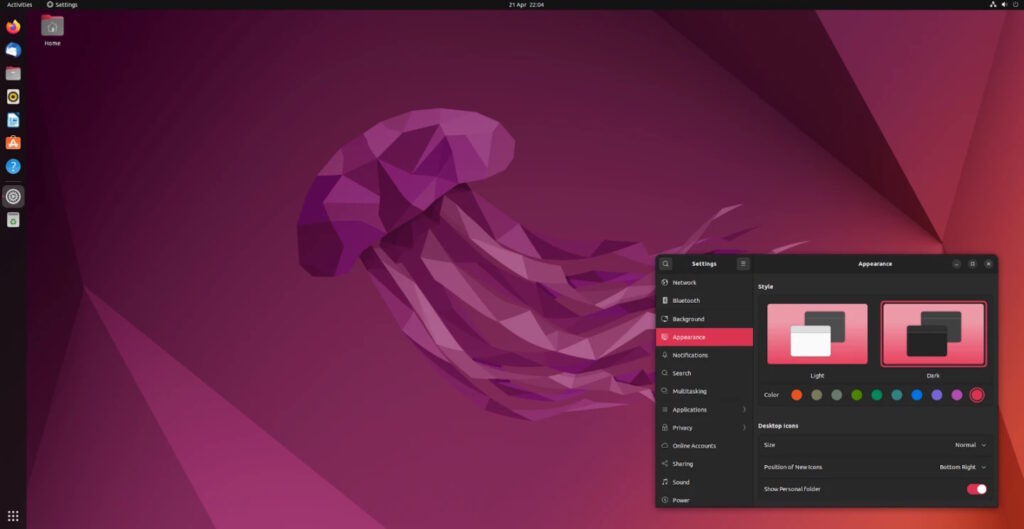
Gamescom Crisis: The Ubuntu Laptop Failure
I still can’t pinpoint the exact cause of the meltdown, it remains a mystery to me. The laptop performed admirably on my first day in Cologne. I left it on overnight to upload a large gameplay video, which completed successfully by morning. I then closed my browser, powered the laptop down completely, and shut the lid. In retrospect, what a critical mistake. After an exhilarating morning at Gamescom, getting hands-on with the ROG Xbox Ally, I found a quiet moment to begin writing my first impressions. The initial red flag was my inability to adjust the screen brightness using the usual Fn+F-key combination. Once indoors, where I could actually discern the screen, I noticed the desktop UI had inexplicably shrunk back to 100% scaling. But the most critical failure was yet to come: my trackpad wasn’t working—at all. The operating system simply didn’t detect it. I spent a frantic half-hour Googling potential fixes, attempting various terminal commands. Nothing worked. With an interview looming, my focus was entirely consumed by the terrifying prospect of my entire trip being rendered useless. After the interview, I rushed to the media lounge, desperate for more solutions. Still no luck. I hoped an update might resolve the issue, but Ubuntu wasn’t even detecting my Wi-Fi card. It was at this point that I had no choice but to concede defeat.
Windows to the Rescue and a Reassessment of Reliability
My personal savior arrived in the unexpected form of a colleague. A chance encounter allowed me to borrow his laptop, download Windows to a USB stick, and perform a fresh installation. To my immense relief, it worked flawlessly. After some updates, software installs, and logins, I was fully operational—a massive sigh of relief. Windows had truly rescued me from what could have been a professional disaster at Gamescom. I can already hear the collective groan from some corners: ‘User error.’ And fair enough, it likely was, though I’m still at a loss as to what that error might have been. But for our community of tech enthusiasts and professionals at Digital Tech Explorer, it prompts two crucial questions: (1) Is such a critical failure as likely to occur on Windows? And (2), when time is of the essence, would you rather troubleshoot and fix such issues on Linux or Windows? While dedicated Linux users might confidently choose the former, for the everyday user like myself—even one with a penchant for tinkering—installing Windows proved to be the safer, faster solution. I simply didn’t have the luxury of time to delve into the operating system’s intricacies that day.
This experience, as shared in my journey with Digital Tech Explorer, has profoundly illustrated a key insight: despite its imperfections, for unwavering peace of mind and straightforward usability, I need to rely on Windows when it truly matters. That said, should I manage to carve out the time and energy, becoming proficient in Linux remains a valuable side-project. Perhaps then, a seemingly catastrophic bug would indeed be a quick fix. But for now, and certainly not on my laptop while traveling for work, I’ll stick to what reliably gets the job done.