Microsoft Paint, often seen as a relic of simpler times, has been undergoing a quiet but significant transformation. In recent years, Microsoft has been steadily enhancing this classic image editing tool with powerful features like
background removal and
object selection, often without much fanfare. These continuous updates have progressively boosted Paint’s capabilities, and now, a new development promises to make it even more appealing: the introduction of layered project saving, a feature commonly associated with professional image editors.
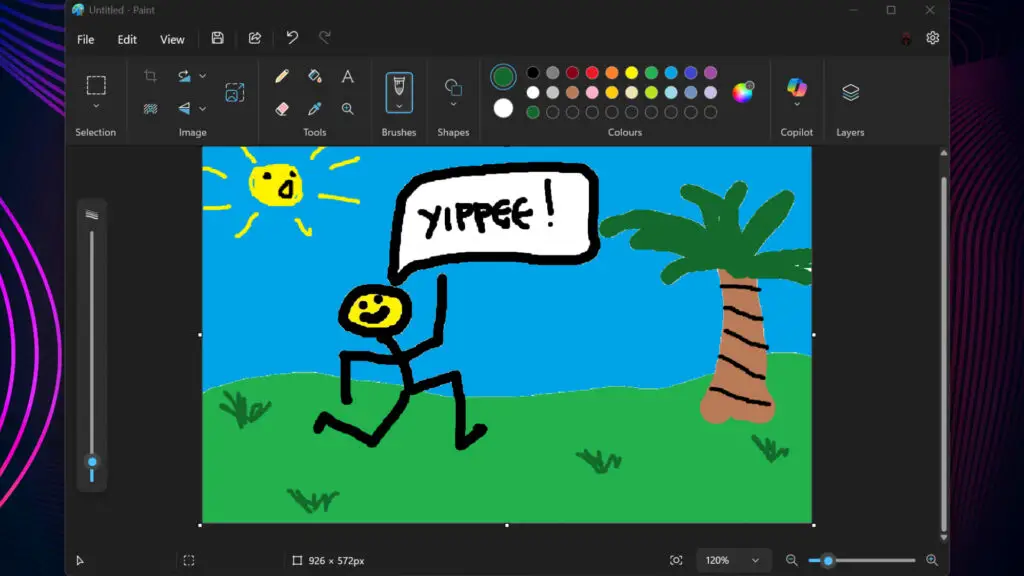
Introducing Layered Project Saving with .paint Files
This latest advancement, currently rolling out in a Windows Insider build, ushers in a new era for Paint users:
layered project saving. This crucial functionality arrives with the introduction of the
.paint file extension, allowing creators to preserve their work with individual layers intact and pick up exactly where they left off. Dave Grochocki, Microsoft’s principal product manager lead, highlighted this benefit, stating, “You can now save your creation as an editable Paint project file and seamlessly pick up where you left off… When you’re ready to return, simply open the file to launch it in Paint, right where you left off.” This upgrade significantly enhances Paint’s utility, bringing a core feature of advanced image editors to the familiar application. It also complements other recent additions, such as the
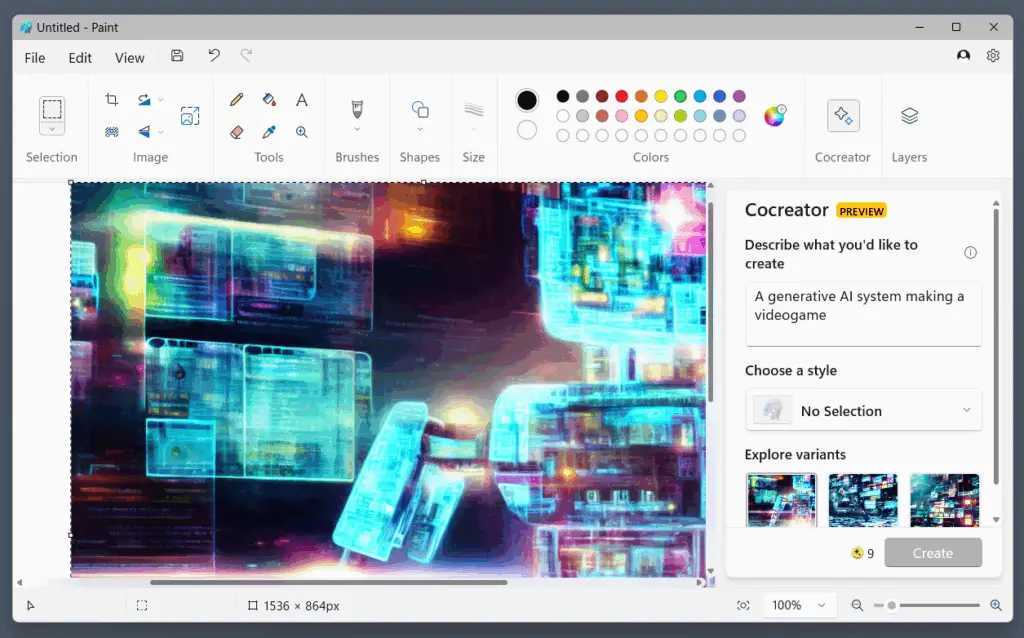
AI image generation feature, by facilitating more complex and iterative image manipulation.
Additional Enhancements to Paint
Further refining the user experience, Microsoft is integrating an
opacity slider into the Pencil and Brush tools. This subtle yet impactful addition will prove invaluable for achieving nuanced blending and layering effects. We at Digital Tech Explorer also appreciate the thoughtful simplicity of the new file format’s naming convention; dubbing it
.paint—rather than an obscure or technical acronym—is a testament to a user-centric design approach.
These consistent, user-focused updates demonstrate Microsoft’s renewed commitment to evolving Paint into a surprisingly robust tool for digital creativity. It’s inspiring to witness this classic application gradually embrace the modern era of image editing. This revitalized approach sharply contrasts with the fate of its ill-fated sibling,
Paint 3D, which was ultimately retired from Windows. For developers and tech enthusiasts alike, watching Paint transform from a basic utility to a feature-rich editor is a compelling narrative—one that truly embodies the spirit of digital innovation we explore here at Digital Tech Explorer.