
Affiliate Disclosure: Some of the links on Digital Tech Explorer are affiliate links. This means we may earn a commission if you click through and make a purchase, at no additional cost to you. Our recommendations are based on thorough research and personal experience, reflecting our commitment to transparent and high-quality tech reviews.
As your trusted source for in-depth tech insights, Digital Tech Explorer, guided by TechTalesLeo’s keen eye for innovation, delves into the world of mechanical keyboards. Bringing notable enhancements over its predecessor, the Lofree Flow 2 stands out as an excellent mechanical keyboard, meticulously crafted with quality and user experience at its core. This review will explore why this board might just be the upgrade you’ve been looking for.

- Incredible build quality
- Looks beautiful
- Fantastic typing experience
- Many improvements over original model
- Somewhat inconsistent typing sound
- Gimmicky touch-sensitive strip
Premium Build and Design Features
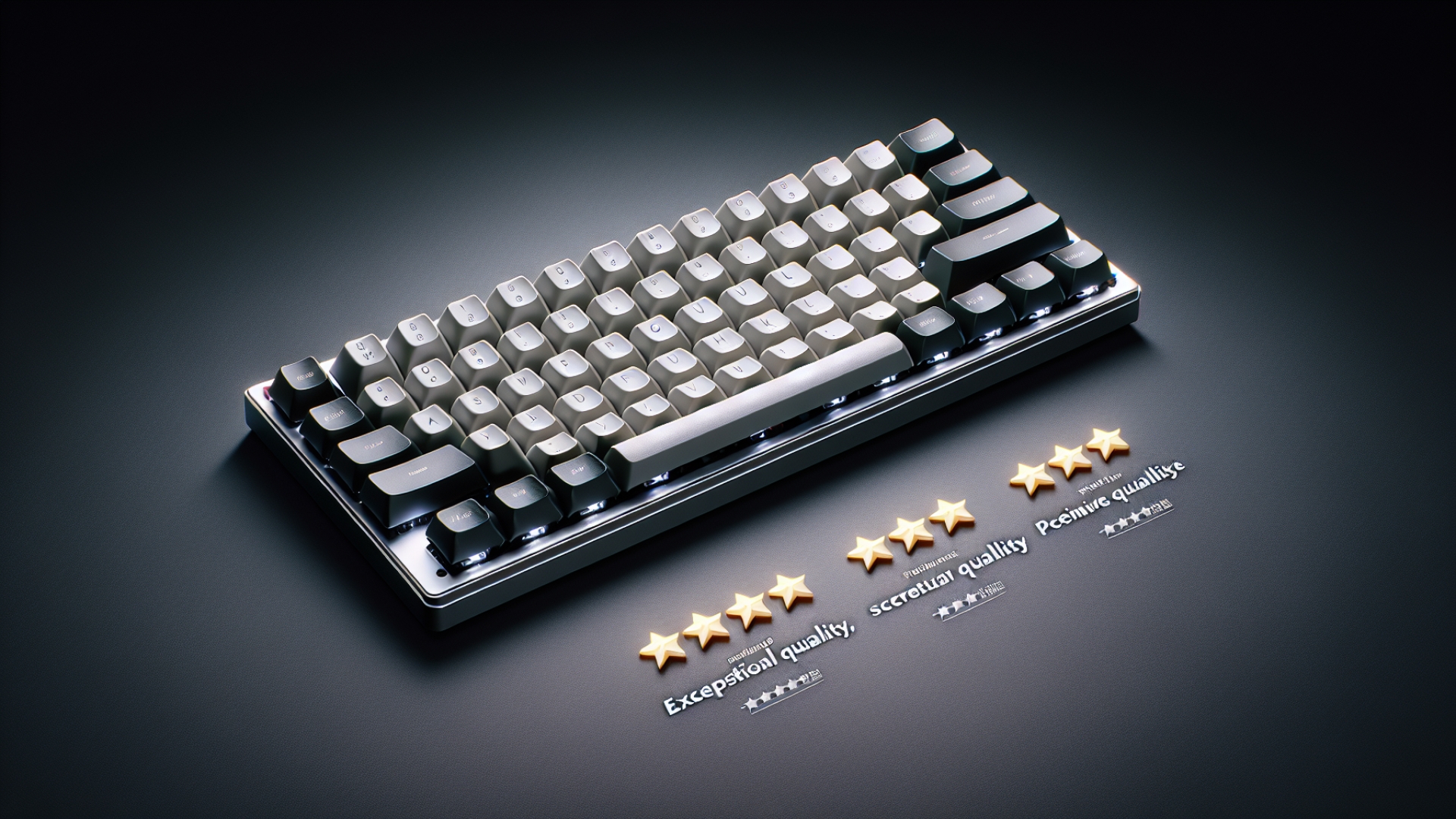
Upon unboxing the Lofree Flow 2, one of the first things you’ll notice is the sturdy aluminum chassis with a silvery grit-anodized finish. It exudes class and feels rock-solid in the hand, with no bending or flexing anywhere to be found. Its manageable weight and compact footprint make it surprisingly portable for on-the-go use. That mercurial frame is contrasted with the dark PBT-and-polycarbonate double-shot keycaps. These have been enlarged compared to those on the first Lofree Flow to make them easier to find by touch. There’s backlighting, too, and while it’s incredibly crisp in low light, the slimline legends make it a little tougher to see during the day. You only get a white backlighting option, so if you’re looking to sear your retinas with an RGB light fest, you may be disappointed. Around the back, Lofree has added two fold-out metal feet, which allow you to adjust the keyboard’s angle. This was one of the main drawbacks of the previous Lofree Flow—it lacked adjustable feet entirely—and the improvement to typing comfort is noticeable. As a little bonus, the stands on the updated version cleverly hide the mode switch, which is used to flip between wired and Bluetooth modes, or to turn off the keyboard.Lofree Flow 2 Specifications
| Feature | Detail |
|---|---|
| Switch type | Kailh Surfer (crisp linear), Void (silent linear), Pulse (tactile) |
| Connection | 2.4 GHz, Bluetooth 5.3, wired USB-C |
| Layout options | 100 keys (96%), 84 keys (75%), 68 keys (65%) |
| Keycaps | PBT and polycarbonate |
| Polling rate | 1,000Hz (2.4GHz & wired), 125Hz (Bluetooth) |
| Wrist rest | No |
| Onboard memory | No |
| Sound-dampening foam | Five layers: silicone dampening pad, silicone sandwich pad, IXPE switch foam, PET dampening sheet, PU foam |
| N-key rollover | Yes |
| Weight | 750g |
| Battery life (backlight off) | 120 hours |
| 100-key Price | $169 USD (£155 GBP, $317 AUD) |
| 84-key Price | $159 USD (£147 GBP, $302 AUD) |
| 68-key Price | $139 USD (£140 GBP, $287 AUD) |
Battery Life and Portability
The Lofree Flow 2 is equipped with a 3,000mAh battery—up from 2,000mAh in the first Flow—which Lofree says will get you up to 120 hours with the backlighting off, or up to 17 hours with the lighting on at full blast. That’s far less than the 430 hours promised by the Asus ROG Falchion RX Low Profile, which is a shame. Fortunately, we got a little longer than Lofree predicted: in Bluetooth mode with the backlighting turned up to max, our unit went from 90% to empty in 22 hours. While it’s not the longest-lasting keyboard you’ll ever use, its solid performance reinforces its focus on on-the-go usability, a key consideration for many tech enthusiasts.Critique of the Touch-Sensitive Strip
On the right-hand side is what would fairly be described as a gimmick: a black touch-sensitive strip. By default, this controls your system volume, but use it while holding the Function key and it’ll adjust your screen brightness instead. This was the only notable letdown of the keyboard: it was conspicuously fiddly and finnicky in practice, and it rarely tweaked the volume at the speed I wanted. I’m not a huge fan of keyboard control knobs, but even one of these would have been a better solution.Typing Experience and Sound Dampening
We were sent a unit with Kailh Pulse switches, which provide a tactile bump on each press. These switches are highly satisfying in practice, and combined with the wider keycaps, they make typing a fast, comfortable experience. Lofree also offers linear and silent linear options. On the inside are five layers of dampening materials, including silicone pads, IXPE switch foam, a PET dampening sheet, and more. The result is a satisfying, thocky typing sound that was pleasing to the ear—in most cases. The exception is the space bar, which emits a noticeably different tone to every other key. It’s a little jarring, although (hopefully) not enough to ruin your day.Refinements, Gaming Performance, and Customization
Even beyond the headline changes and features, Lofree has added so many small touches that improve the experience. Each keycap chamfer has been cut down to provide a sharper edge, making them easier to locate by touch. Switch tolerances have been reduced to give smoother and more stable keystrokes. The number of contact dots in each switch has been doubled from six to 12 to distribute wear more evenly and keep the stem more centered. I could go on. You might not notice each of these changes individually, but they really do add up. That’s as true in gaming as it is in typing, and when the Lofree Flow 2 was thrust into the action, I was left surprisingly happy with how it performed, even in fast-paced shooters like Call of Duty. No doubt the wider, more pronounced keycaps aided its gaming performance, and for the most part it performed splendidly. That said, you might want to look elsewhere if you’re after something truly serious for the arena. Its low-profile keycaps will always be harder to find by touch than a full-size equivalent, no matter what Lofree has done to improve things, and it lacks any gamer-specific features like macro keys or a rapid-fire mode. Still, you can create your own macros thanks to the Flow 2’s VIA support, which is a handy addition. It’s not on the same level as some of the dedicated gaming features you’ll see in boards from the likes of Razer and Logitech, but it’s welcome regardless. Its target audience is much more interested in a satisfying typing feel and premium build quality, and in those areas, this device is a real winner.Lofree has added so many small touches that improve the experience.
Buy If / Don’t Buy If
Buy if…- ✅ You’re after quality: The Lofree Flow 2 is overflowing with quality touches and it’s clear there’s been a lot of care put into its construction. From its solid anodized chassis to its PBT keycaps to its finger-pleasing switches, everything is measured and deliberate.
- ✅ Looks matter to you: There’s no getting around it, the Lofree Flow 2 is a looker. It radiates class—perfect for gaming in a tux.
- ✅ You want plenty of choices: This board comes in three sizes with three switch options and two color choices. Throw in VIA support and there’s plenty of room to tailor it to your needs.
- ❌ You’re on a budget: At $139 for the cheapest, smallest version, the Lofree Flow 2 is not the most affordable keyboard around. It oozes quality, though, and you get what you pay for.
- ❌ You like volume knobs: Sorry folks, it’s either the unreliable touch-sensitive strip or Windows 11’s software controls for you.
- ❌ You’re an RGB fiend: The backlighting isn’t the brightest and there are no RGB options.