
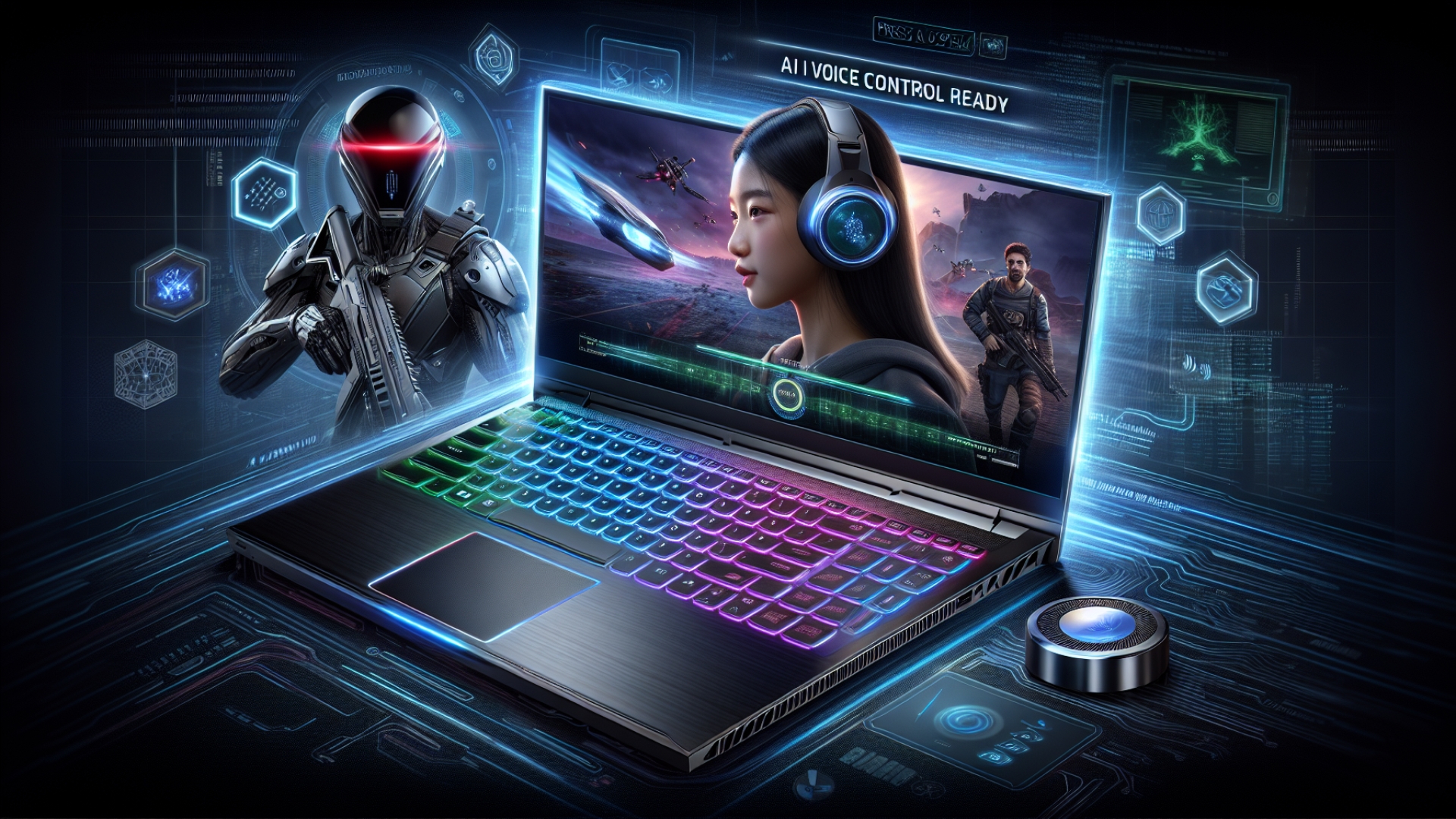
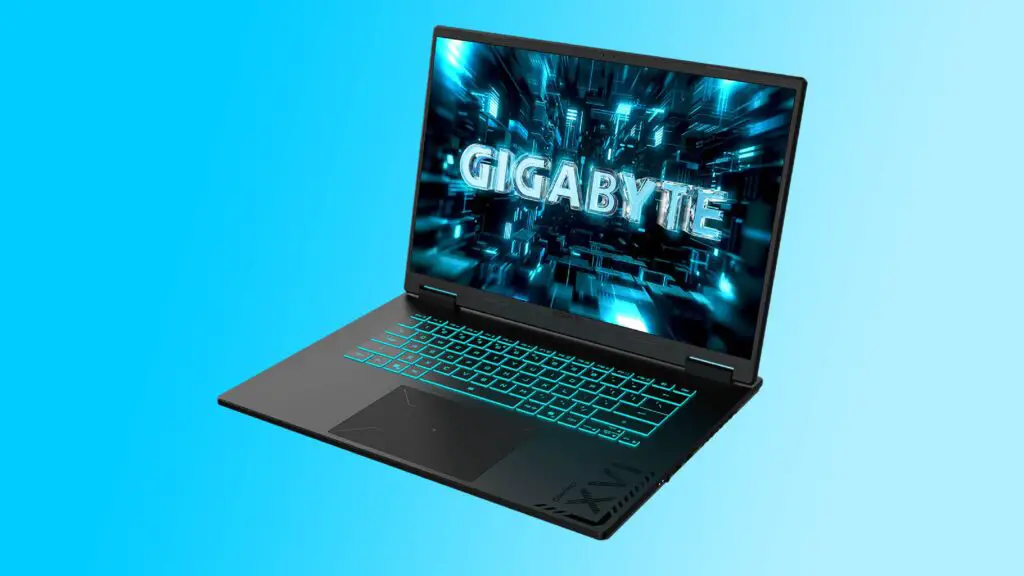
Gigabyte is pushing the boundaries of gaming laptop innovation with its latest entries, the Gaming A18 and Gaming A16 Pro. These new models introduce a novel “Press and Speak” voice control system, powered by Gigabyte’s proprietary AI agent, GiMate. This feature is designed to streamline performance tuning, fan adjustment, and various privacy functions, offering a new dimension of interaction for gamers and tech enthusiasts. As seasoned explorers of digital innovation here at Digital Tech Explorer, we naturally ponder the genuine utility of such a voice control system for critical adjustments, especially in the often-chaotic environment of intense gaming sessions.
Navigating the ‘Press and Speak’ User Experience in Real-World Gaming
Delving into the practical user experience, one might envision scenarios where button-activated voice control offers a genuine edge over conventional settings menus or even a standard voice assistant. Imagine needing a swift fan adjustment mid-game without pausing, or a quick performance tweak. While some functions could indeed benefit from rapid verbal commands, the practical reality introduces a touch of intriguing complexity. The idea of vocalizing instructions over the considerable hum of a gaming laptop’s cooling fans presents a humorous, yet potentially challenging, scenario. This concern is particularly relevant given that earlier reviews of the Gigabyte Gaming A16, for instance, noted its Total Graphics Power (TGP) was sometimes set conservatively, which could lead to less fan noise in certain configurations. We’re keen to see how Gigabyte has optimized the microphones and processing for voice clarity amidst the thermal demands of high-performance hardware.
GiMate: The Intelligent Core of Voice Control
At the heart of this innovative voice feature lies the GiMate AI software. Our previous deep dives into Gigabyte’s offerings, echoed by other reputable tech analyses, indicate that the underlying software architecture is generally robust. Past evaluations of models like the Gigabyte A16 often highlight the smooth and effective operation of its software suite, benefiting from existing Microsoft assistance for a polished user experience. This suggests that while the “Press and Speak” functionality might appear unconventional, its foundation is built upon competent and responsive software, hinting at a strong potential for effective AI acceleration and machine learning at play for voice recognition.
Gigabyte Gaming Laptop Hardware Specifications: Power Under the Hood
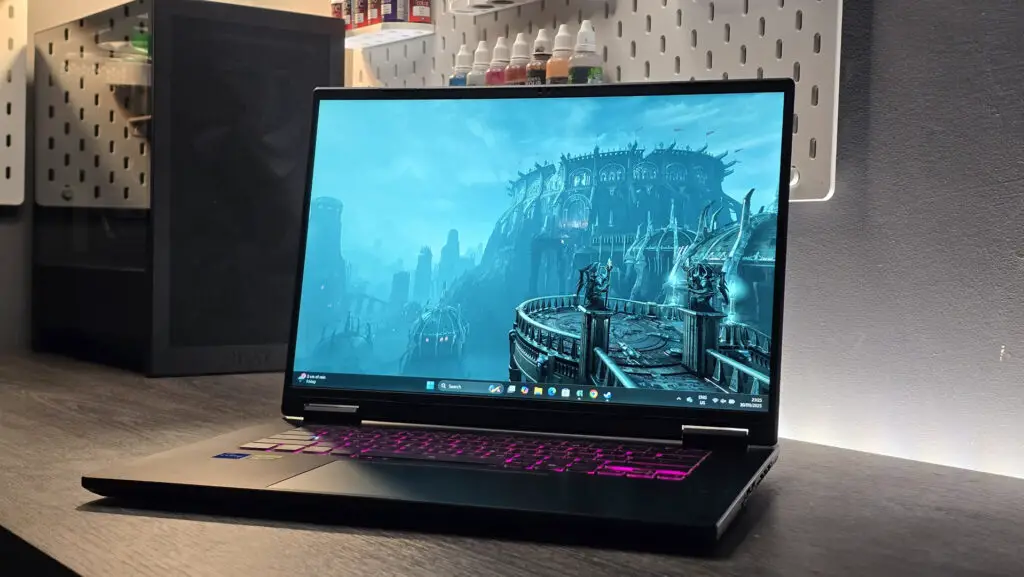
Beyond the voice commands, the raw power of these machines is impressive. The Gigabyte Gaming A16 Pro is a formidable contender, configurable with up to an RTX 5080 mobile GPU – an absolute powerhouse for 3D gaming and demanding applications – paired with an Intel Core 7 240H processor, 32GB of RAM, and up to 4TB of storage. Its larger sibling, the Gigabyte Gaming A18, offers configurations up to an RTX 5060 GPU, an AMD Ryzen 7 260 CPU, a generous 64GB of RAM, and similar 4TB storage capacity. Both models come equipped with vibrant 165 Hz displays, crucial for smooth, tear-free PC gaming visuals.
A notable advantage for the A16 Pro is its faster Gen4x4 second M.2 slot, enhancing storage performance—a key factor for developers and content creators. The Gaming A18’s GPU limits, particularly the RTX 5060, might seem conservative for an 18-inch model, especially when contrasted with its higher 64GB memory and powerful CPU. This configuration suggests the A18 might be strategically positioned to cater to a dual audience, adeptly balancing intensive productivity tasks and demanding applications alongside its considerable gaming capabilities, making it a versatile choice for professionals and enthusiasts alike.
Ultimately, while these new Gigabyte gaming laptops present a compelling blend of cutting-edge hardware and innovative features, the true differentiator—the button-activated AI voice control—remains a fascinating element. Its utility will be keenly observed by the Digital Tech Explorer team and the broader tech community. Will it redefine the user experience, making complex adjustments seamless, or simply add another intriguing, albeit niche, interaction method? The answer will undoubtedly shape future discussions around the convergence of AI and user interface design in high-performance computing.