
As a tech enthusiast constantly optimizing my setup, I’ve long considered upgrading my secondary 1080p display. The prospect of diving into the immersive world of ultrawide is more appealing than ever, especially with remarkable finds like Gigabyte’s latest offering. For just $250, this deal isn’t just about a price drop; it’s an invitation to experience crisp 1440p resolution alongside an immersive ultrawide curved monitor, all boasting a smooth 120 Hz refresh rate. In our thorough evaluation at Digital Tech Explorer, this Gigabyte panel has emerged as the most compelling and affordable ultrawide we can confidently recommend. Now a full $80 off MSRP, and even $10 below its previous lowest price, it’s an exceptional value for developers, gamers, and anyone seeking to expand their digital workspace.
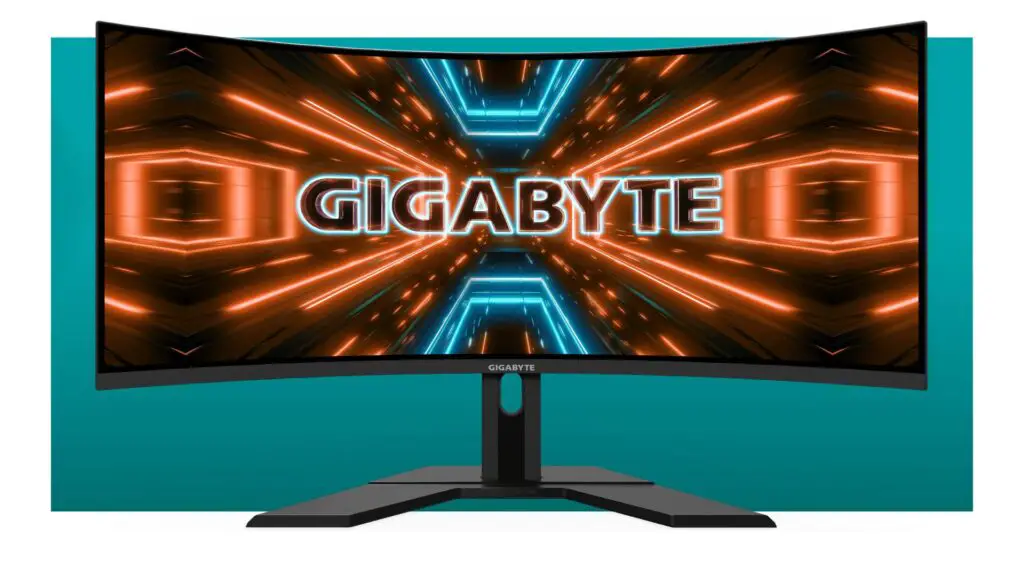
Gigabyte GS34WQC | 34-inch | 1500R Curved | 120 Hz (135 HZ OC) | 1 ms | Ultrawide | $329.99 $249.99 at Newegg (save $80)
Key Display Features: Curve and Resolution
This Gigabyte panel boasts a 1500R curve, which we find to be an excellent starting point for those new to curved displays. The 1500R offers a noticeable step up in immersion compared to flat screens, providing a wrap-around feel without being overly aggressive—perfect for a balanced viewing experience that still allows for easy collaboration. In terms of resolution, the 1440p display hits a sweet spot. It’s an ideal match for most mid-range gaming rigs, delivering sharp visuals without demanding the raw power often required for 4K, making it a versatile choice whether as your primary gaming display or a luxurious, productivity-boosting secondary panel.
Navigating Ultrawide Monitors and Brightness Insights
While ultrawide monitors offer a truly captivating experience, they do cater to a specific preference and might require a slight adjustment period. For gamers, the expanded field of view (FOV) in compatible first-person shooters and the increased screen real estate in strategy titles can significantly heighten immersion. The curved screen further amplifies this effect. It’s important to note, however, that not all games natively support ultrawide resolutions. For older titles or those without built-in support, you might need to experiment with in-game settings or utilize community tools like Flawless Widescreen – a useful tip for any tech explorer looking to maximize their setup. Regarding brightness, the monitor’s peak of 300 nits is standard for its price point. It performs admirably in typical indoor environments, though direct sunlight from a window might challenge its visibility. Consider your room’s lighting to get the most out of this panel.
For $250, this Gigabyte ultrawide offers exceptional value, packing premium features into an accessible package. It’s a compelling upgrade for anyone looking to dive into the immersive world of ultrawide gaming and enhanced productivity without breaking the bank.