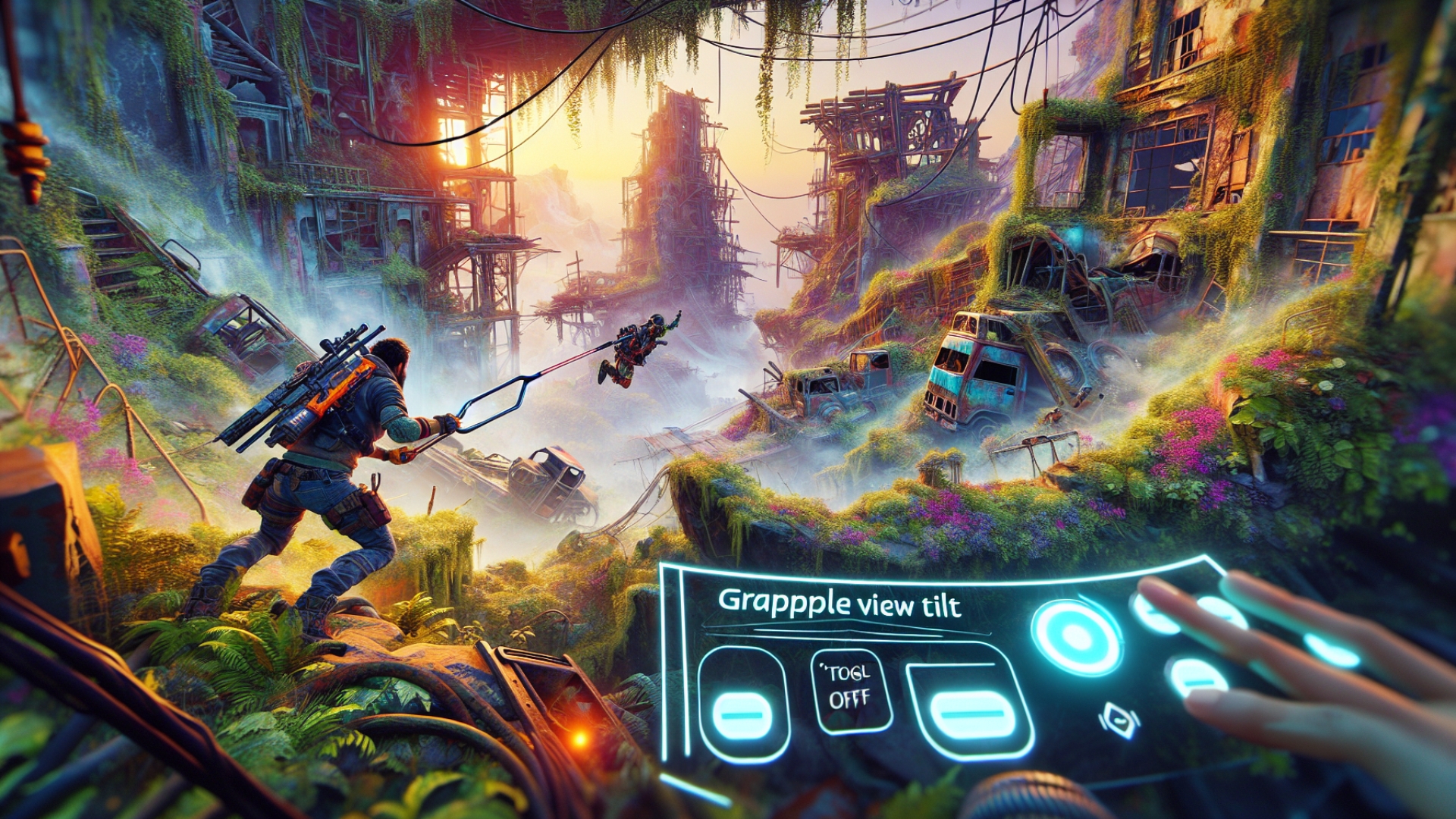
Borderlands 4 arrives loaded with exciting new movement options to master in combat, including a
glide pack,
dash, and, of course, the ubiquitous
grappling hook. These are truly fantastic additions that elevate gameplay, and as a long-time Vault Hunter, I know I’ll miss them on any future replays of Borderlands 2 or 3. If you’ve faced any of the main bosses or final vault encounters, you’ll already appreciate just how vital these tools become, especially the grapple.
However, even the most thrilling innovations can have their quirks. For many, the grappling hook, while a fantastic traversal method, can feel a bit clunky in its default configuration. Whenever you deploy your
grappling hook, the camera automatically snaps towards the grapple point, almost like an aimbot for an inanimate object. While this is intended to show you your trajectory, it’s often jarring, causing a sense of whiplash when you’re trying to navigate hectic arena battles.
What if I told you there’s a simple fix to reclaim your camera control? Dive into the
accessibility settings and disable ‘
grapple view tilt‘. This single adjustment will prevent your view from being forcibly redirected, allowing you to grapple smoothly as long as you can see the hook in your peripheral vision. Given how disorienting the default grapple tilt can be, it’s genuinely baffling that it’s enabled out of the box.
Beyond just feeling much more comfortable, disabling this setting offers a significant improvement in combat efficacy. You can maintain your target lock and situational awareness while grappling, making for a much more fluid and engaging experience. This benefit is particularly evident in intense boss fights, such as against Inceptus the Primordial Guardian in the Fadefields vault, where constant grappling is essential to stay airborne, avoid hazardous ground, and keep your fire focused on the boss.
Imagine attempting such a demanding encounter with the
grapple view tilt still active – it would dramatically increase the difficulty and likely lead to frustration. For any extended combat or farming sessions, this setting quickly becomes a hindrance. Save yourself the headache and switch it off right away to truly master Borderlands 4’s new movement mechanics.

Related Borderlands 4 Guides