
Digital Tech Explorer Note: Some of the links in this article are affiliate links. This means we may earn a commission if you click through and make a purchase, at no additional cost to you. Our recommendations are based on thorough research and personal experience, upholding our commitment to transparency and quality content.
Even as Intel continues to roll out crucial updates addressing Core 13th/14th Gen voltage and instability problems, a concerning issue has emerged for owners of certain prebuilt gaming PCs. Recent findings from a US repair shop suggest that at least two Corsair models lack these essential fixes, leaving users without the ability to implement them. As TechTalesLeo, I delve into this critical hardware issue, bridging the gap between complex tech problems and practical insights for our readers.
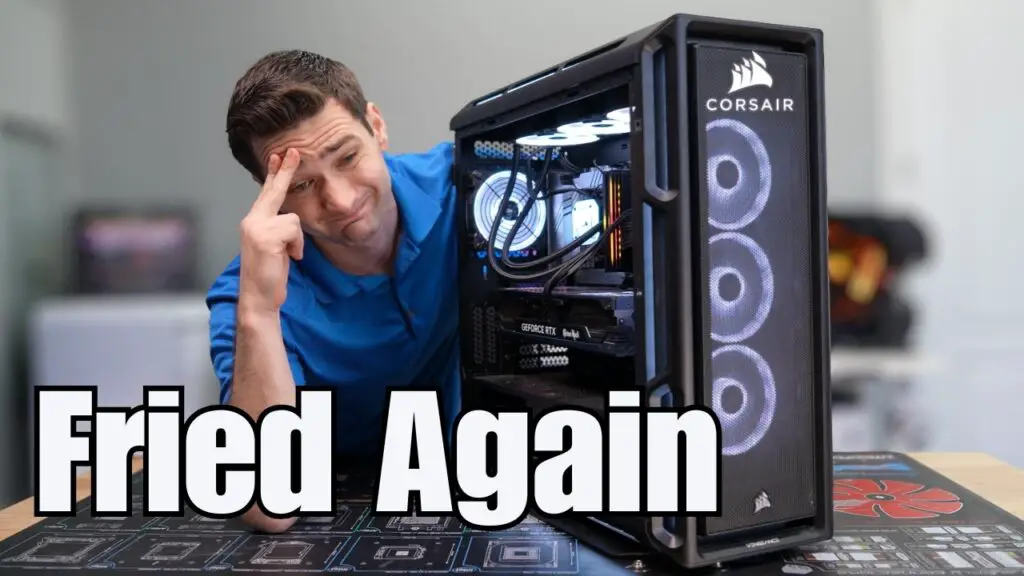
The alarm was raised by Matt’s Computer Services on YouTube, highlighting a real-world case of a high-end, $5,000 Corsair gaming rig. Equipped with an Intel Core i7 14700KF, the system was repeatedly brought in for persistent crashing in games. Despite extensive diagnostic efforts, including fresh Windows installs and a more powerful PSU, the underlying instability persisted, pointing to a deeper hardware flaw.
Unpacking the Issue: Outdated Microcode in Corsair Systems
The root of the problem was eventually traced to the motherboard’s BIOS. The affected pre-built PC utilized an Asus Prime Z790-P motherboard, updated to what Corsair presented as its “most recent BIOS” (version 9046). This firmware was found to be running Intel’s 0x12B microcode, which Intel initially released in September 2024 to address prevalent elevated core voltage issues.
However, Intel subsequently issued a critical further microcode update, 0x12F, in January 2025. This update was designed to complement 0x12B, specifically targeting remaining scenarios that could cause Intel’s 13th and 14th Gen Core processors (often referred to as Raptor Lake and Raptor Lake Refresh) to draw excessive voltage and potentially suffer permanent damage. A significant hurdle arose when attempts to update the BIOS directly from the Asus website failed: Corsair’s systems employ a customized version of the motherboard firmware, rendering generic Asus updates incompatible.
The Dire Consequences: Corsair’s Delayed Updates and CPU Damage
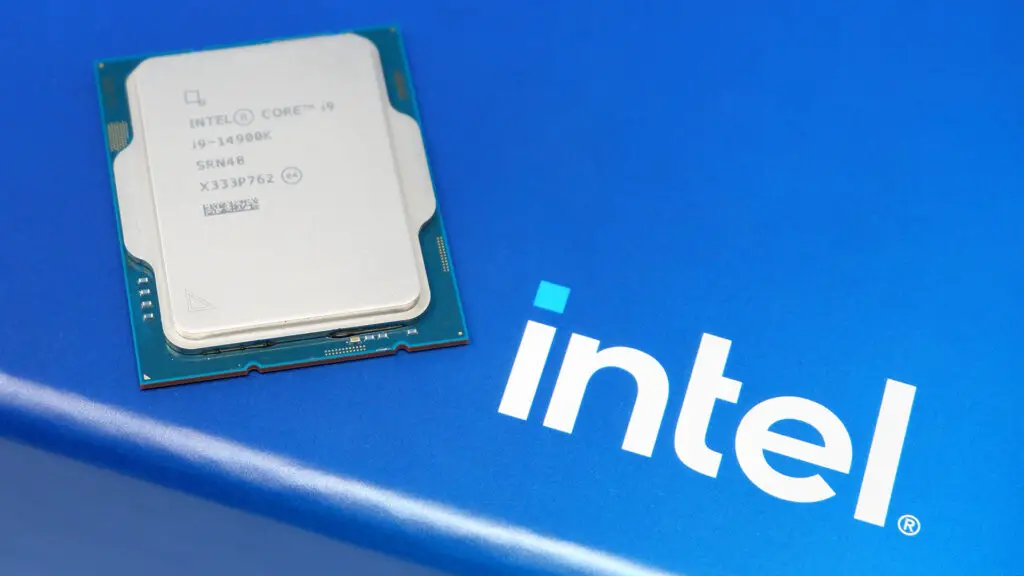
Upon contacting Corsair, Matt’s Computer Services confirmed that the company was indeed working on a new BIOS update to integrate the crucial 0x12F microcode. However, this response comes with a grim reality: by the time such an update is available, the affected processor might already be irrevocably damaged. For the Corsair rig to function flawlessly, it would require both the 0x12F BIOS and a brand-new Core i7 14700KF chip. This represents a substantial concern for consumers who have made significant investments in these high-performance systems.
While Corsair’s very latest Intel machines now feature Core Ultra 200S chips—processors not susceptible to these specific Raptor Lake and Raptor Lake Refresh vulnerabilities—many older, yet still readily available, models remain a risk. For example, the Corsair One i500, featuring a Core i9 14900F and an RTX 5070, is currently listed with a BIOS only incorporating the older 0x12B microcode. This implies that even if a warranty claim leads to a replacement system, users might still receive hardware limited to the less protective microcode, leaving them potentially vulnerable to future instability and damage.
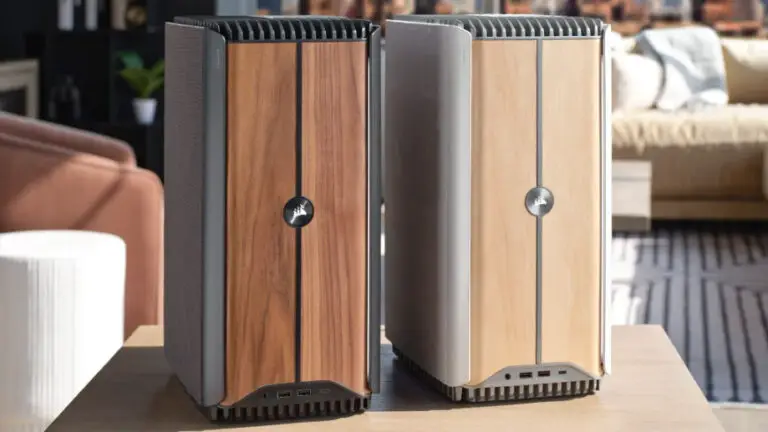
The full scope of this issue across all of Corsair’s Intel gaming PCs is still under investigation, with these findings based on observations from one repair shop and a single Corsair One i500 product listing. However, it undeniably raises significant concerns about potential permanent CPU damage for consumers.
TechTalesLeo’s Practical Advice: Checking Your Microcode
If you own a Corsair gaming PC with an Intel Core 13th/14th Gen processor and are unsure about your BIOS microcode version, it’s crucial to check it. A straightforward way to do this is by using CPU-Z, a free and reliable tool. Navigate to the “Motherboard” tab within the application, where it will display the installed microcode version.
If your system’s microcode doesn’t indicate 0x12F (or at least 0x12B if 0x12F isn’t yet available for your specific model), it’s highly advisable to seek a BIOS update as soon as possible. However, the current findings suggest that for some Corsair users, the crucial 0x12F update might not be readily available, leaving their systems in a precarious state. Stay tuned to Digital Tech Explorer for further updates and analysis on this developing situation, as we strive to keep our community informed and protected.
***
Digital Tech Explorer Disclaimer: All content on Digital Tech Explorer is for informational and entertainment purposes only. We do not provide financial or legal advice.